Your files.
In a new form.
The everyday media toolkit you’ll wonder how you lived without.
Convert, compress, download, and capture. All in one native app.
Try free for 7 days · $15 once. No subscriptions.
MEET YOUR NEW EVERYDAY ESSENTIAL
A whole toolkit.
One happy place.
That clip. That image. That file that’s just a little too big. Bring it to Forma Files and get on with the good part.
 A little preview. A big impression.
Good ideas
deserve a home.
A small discovery. Saved for later.
Same great content.
Just your type.
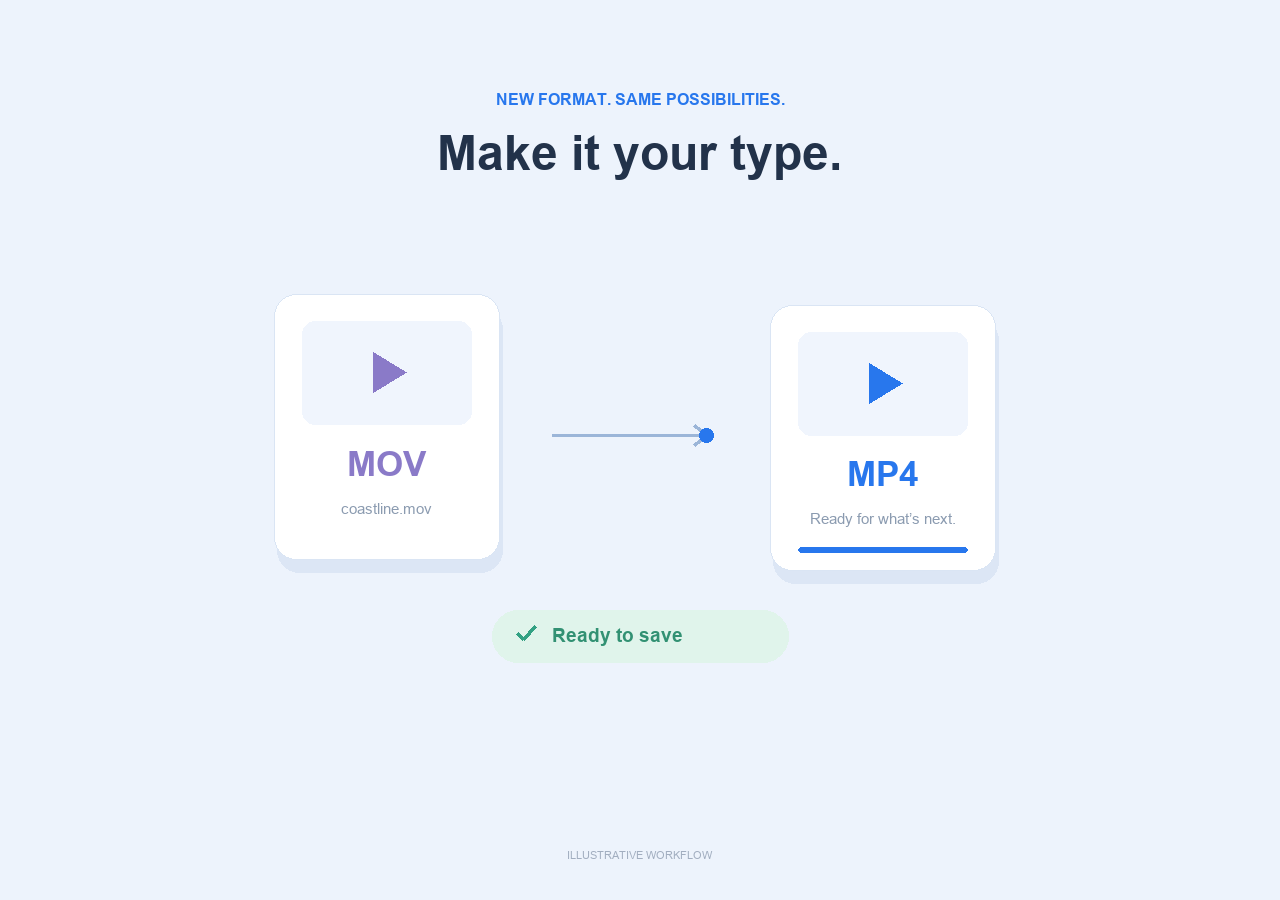
Give videos, audio, and images a format that fits. Move from MOV to MP4, pull audio from a video, or turn HEIC photos into shareable JPGs.
Add a single file or a batch. Choose your format, quality, and size. Save the finished files wherever you like.
Product illustrations show example workflows. Available conversions depend on the source file and output format.
MADE TO FEEL AT HOME
Your computer.
Your files.
Your call.
Forma Files is a real desktop app. Drop files into its window, use familiar file dialogs, and keep your work where it belongs.
- Convert and compress entirely on your computer
- Work offline with your local files
- Keep your originals and save a fresh copy
Online downloads and web capture connect to the source website. They need an internet connection.
A BETTER KIND OF ROUTINE
Three steps.
Then back to creating.
- 01
Bring it in.
Drop in your files or paste a link. One at a time, or a whole batch.
- 02
Make it fit.
Choose a format, quality setting, or target size. Forma Files handles the work.
- 03
Make it yours.
Save the result wherever you like. Your task history stays ready for later.
ONE APP. ONE PAYMENT.
Goodbye, monthly.
Hello, Forma Files.
A useful little investment in every file that comes next.
- All five tools in one native app
- Video, audio, and image workflows
- Local processing and a familiar workspace
- No recurring charges. Ever.

Pay once. Keep creating.
Launching soon · checkout opens hereA FEW GOOD QUESTIONS
The little details.
Everything else you might be wondering.
Is Forma Files really a one-time purchase?+
Yes. Forma Files is priced at $15 USD as a one-time purchase. There is no monthly or annual subscription. Checkout is being prepared and will open here.
Does it work on my Mac or PC?+
The Mac edition supports Apple silicon Macs (M1 and newer) running macOS 14 Sonoma or later. The Windows edition is built for 64-bit Windows 10 version 1809 or later, and Windows 11. Intel Macs are not currently supported. The current Windows package has been inspected but has not yet been tested on a Windows computer.
Are my files uploaded anywhere?+
Your local conversions and compression run on your own computer. Forma Files does not upload those files to a conversion service. When you use an online tool, Forma Files connects directly to the website hosting the video, thumbnail, or page.
Which file formats can I use?+
Forma Files offers 21 output formats across video, audio, and images, including MP4, MOV, MP3, WAV, JPG, PNG, WebP, and HEIC. Compatible choices depend on your source. For example, a video with an audio track can become an MP3; a still image cannot.
Can I download any online video?+
Forma Files supports downloads from compatible video sites, with a video or audio-only option. Availability depends on the website and your access. Protected media, live streams, playlists, and unavailable videos are not supported. Save only media you have permission to download.
How do quality and target size work?+
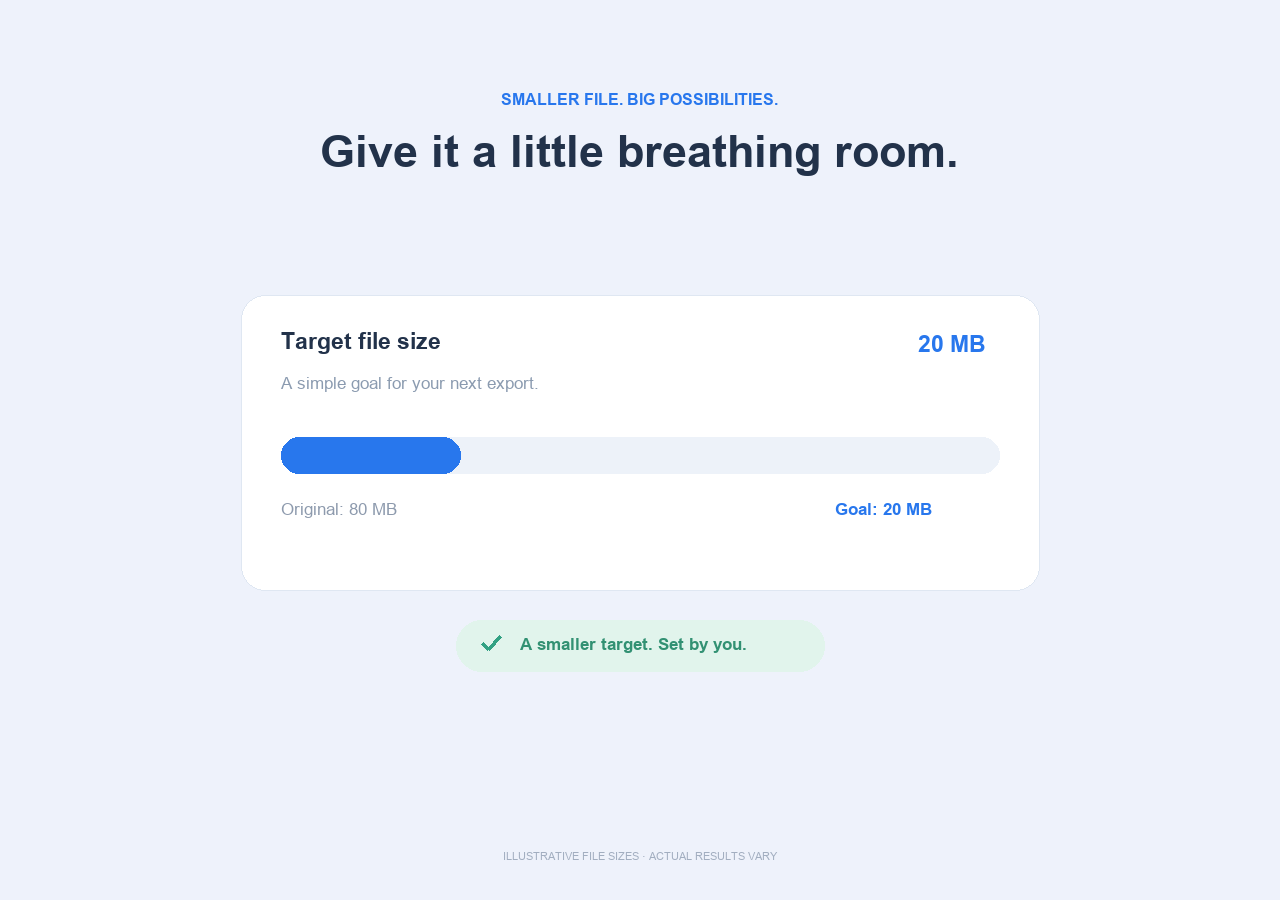
Choose a quality preference or a target file size in MB. Quality is an encoding preference, not a measured percentage of original detail. Forma Files aims for the requested size, but some targets are too small for a usable result. Compression may not shrink a file that is already efficiently encoded.
What does web capture save?+
Web capture saves the original HTML returned by a public page. It does not save every linked asset, a logged-in browser session, or content that is created only after JavaScript runs.
Is anything else needed to install Forma Files?+
The installers include the required media tools. You do not need to install Python or other software separately. Current builds are unsigned, so macOS or Windows may display a publisher warning. Your results and history are stored separately from the app.